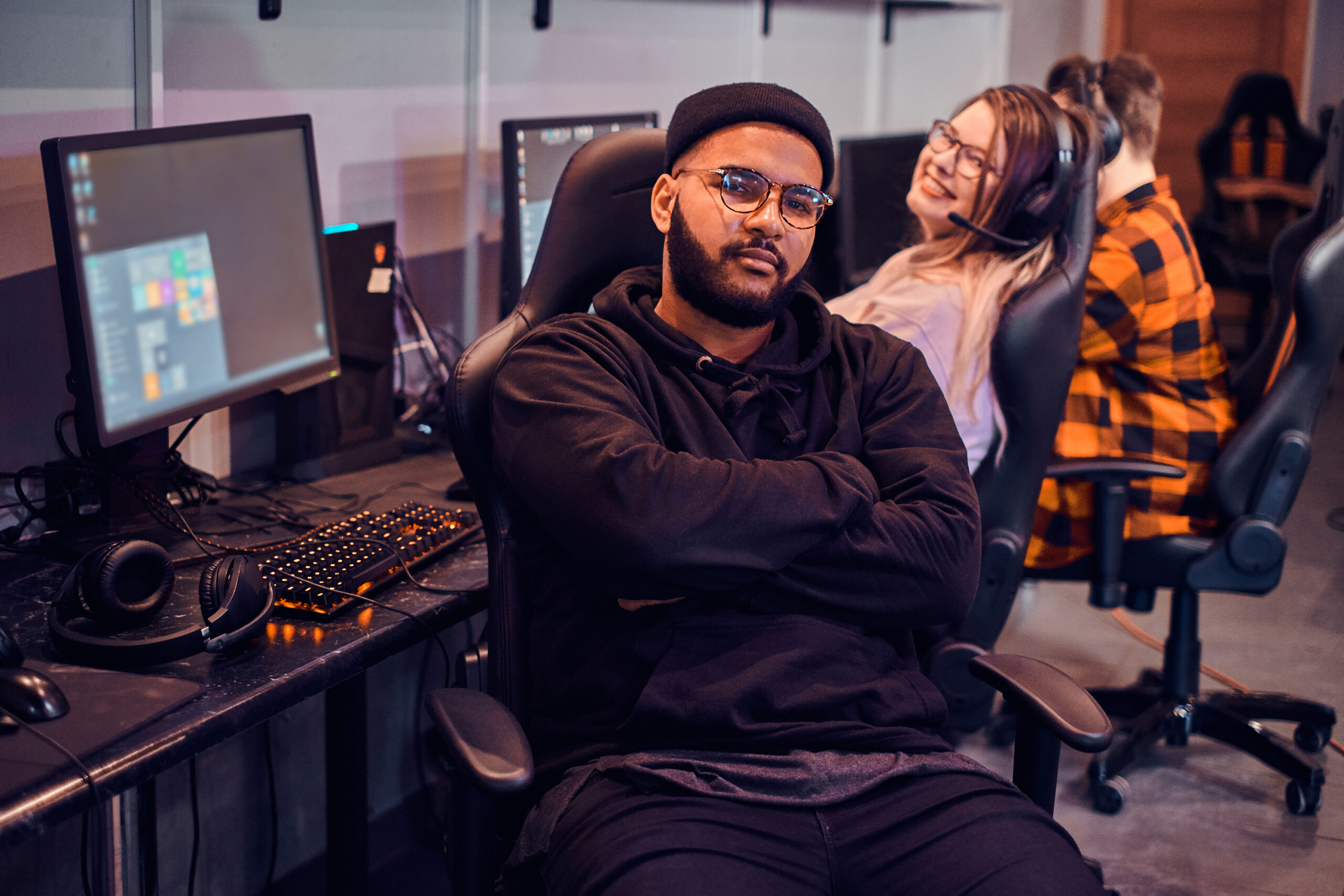
Long sessions can be immersive and satisfying, but they also ask a lot of your body. The neck stiffens, eyes dry out, and hands work overtime. A smart break plan doesn’t kill momentum; it protects it. This guide translates human physiology into short, reliable routines you can weave into tgarchirvetech gaming without feeling like you’re stepping away from the fun. The focus is simple: better posture, happier eyes, and faster recovery so performance holds up across hours and over the long term.
Why breaks matter
Your body loves variation. When you hold one posture for too long, muscles fatigue, circulation slows, and joints lose their comfortable range. The upper back rounds, the head creeps forward, and the wrists bear more pressure than they should. Short, regular breaks reset alignment before fatigue becomes pain. Your eyes face similar load. Staring at a fixed distance reduces blink rate, dries the ocular surface, and locks focus at near range. Periodic distance viewing restores tear film and flexibility of focus. Recovery is the glue between sessions; it downshifts the nervous system so you can re-enter play with steady hands and a calm mind. Breaks are not a luxury—they improve comfort, accuracy, and reaction when it counts.
The break framework
A practical cadence keeps it effortless. Every 45–60 minutes, take a 3–5 minute micro-break. Every 2–3 hours, add a 10–15 minute reset. At the end of a session, finish with a 5–10 minute cool-down. Daily, build a little strength and mobility for areas gaming stresses most: neck, upper back, wrists, hips, and eyes. These intervals work because they align with how tissues fatigue and how attention wanes. Small, regular inputs beat occasional long sessions of “fixing” after discomfort sets in.
Setup basics
Start by optimizing your environment so breaks have less to fix. Adjust chair height so hips are level with or slightly above knees, feet flat on the floor or on a footrest. This tilts the pelvis into a neutral position and reduces lumbar strain. Use lumbar support to preserve the natural curve of the lower back. Sit back to let the chair do its job; perching forward increases load on the spine and neck.
Place the monitor so the top third of the screen is at or slightly below eye level, at roughly an arm’s length distance. If you use dual monitors, center the primary and angle the secondary toward you to minimize repeated neck rotation. Keep the screen angle perpendicular to your line of sight to reduce glare and neck craning. For keyboard and mouse, aim for elbows near 90 degrees, shoulders relaxed, and wrists neutral—not cocked up or bent toward the thumb. If you use a controller, rest forearms on armrests or a cushion to avoid hovering shoulders and tense upper traps.
Clear space under the desk so you can move your legs. A clutter-free area encourages micro-movements like ankle pumps and calf contractions that keep blood moving. Small details like cable management and a stable desk reduce unconscious bracing, which quietly drains energy. Good ergonomics reduce strain, and breaks maintain the benefit.
Posture micro-breaks
Short posture resets deliver a lot of relief fast. In 60–90 seconds, you can reverse the most common gaming slumps.
- Chest opener: Interlace fingers behind your back or grab a towel, straighten the arms gently, and lift the breastbone while drawing shoulder blades back and down. Breathe slowly for 20–30 seconds. This counters rounded shoulders and lets the rib cage expand.
- Neck glides: Keep your chest tall, glide your head straight back as if making a double chin, then release. Do 8–10 gentle repetitions. This resets forward head posture without aggressive stretching.
- Shoulder rolls: Slow circles up, back, and down for 10 reps, then reverse. Focus on smooth motion rather than speed to lubricate the shoulder girdle.
When you have 2–3 minutes, add bigger resets.
- Hip flexor stretch: Stand, step one foot back, soften the back knee, and tuck the tailbone slightly until you feel a front-hip stretch. Hold 30–45 seconds each side. Sitting shortens hip flexors; releasing them reduces lower-back pull.
- Thoracic extension: Sit tall and lean your upper back over the top of the chair or a foam roller placed at mid-back. Support your head lightly. Take 3–5 slow breaths, expanding into the ribs. This opens a stiff mid-spine that contributes to neck tension.
- Wrist and forearm resets: Extend one arm with palm down and gently flex the wrist with the other hand to feel a forearm stretch; then flip palm up and repeat. Hold 15–20 seconds each direction per side. Finish with gentle fist circles.
Add a standing micro-walk if space allows. Thirty to sixty seconds of easy pacing, coupled with calf pumps (rise on toes and slowly lower) restores blood flow and clears the heaviness that builds in the legs during long sits.
Eye-care breaks
Your eyes are designed to shift focus across distances. Long near-focus reduces blink rate and makes the ocular surface dry and gritty. A simple rhythm protects comfort and clarity.
- 20–20–20: Every 20 minutes, look at something about 20 feet away for 20 seconds. Let your gaze soften, blink intentionally, and breathe. These pauses rehydrate the eye surface and relax the focusing muscle.
- Near–far drills: Hold a thumb at arm’s length, focus on it for 3–5 seconds, then look at a distant object for 3–5 seconds. Cycle 10 times. This strengthens flexibility of focus and can reduce eye fatigue.
- Blink resets: Close your eyes gently for two seconds, open, and blink normally 5–10 times. Avoid hard squeezing; the goal is to refresh the tear film without straining.
Lighting matters. Use indirect, even room light to reduce high contrast between screen and surroundings. Position lights to the side rather than behind you to limit reflections. Adjust screen brightness to match ambient light and tune contrast for comfortable reading. If your space is dry, a small humidifier or simply stepping away for a minute can help symptoms of dryness. After long sessions, a warm eyelid compress for a few minutes can support tear quality by loosening meibomian gland oils.
Recovery between matches
Between matches is the perfect moment to reset without losing focus. Think of it as a pit stop: quick, purposeful, and performance oriented.
Hydrate with a few good sips of water. If you’re sweating or gaming in a warm room, a pinch of electrolytes in water can improve fluid retention. Choose snacks that combine protein and fiber—yogurt with fruit, nuts with a piece of fruit, hummus with whole-grain crackers—so energy stays steady and hands don’t shake with a sugar spike.
Downshift heart rate with one to two minutes of slow nasal breathing. Inhale for four counts, exhale for six to eight counts, and keep shoulders relaxed. This pattern lengthens the exhale, signaling the body to ease out of high alert without making you sleepy.
Do a mini-mobility circuit: 10 bodyweight squats, 10 hip hinges, 10 wall push-ups, and 10 standing rows with a light band if you have one. In two to three minutes you’ll wake up large muscle groups, warm the spine, and return to the chair feeling lighter.
Post-session cool-down
Endings shape how the next session feels. A short cool-down helps your nervous system settle and reduces stiffness that would otherwise follow you into sleep or the next block of play.
Spend five to ten minutes moving gently. Try a floor flow: cat–cow for the spine, child’s pose with side reaches, a low lunge for hips, and a lying figure-four stretch for glutes. Move with slow breaths; the point is to signal “session complete” to your body.
Give your eyes a decompression moment. If it’s daytime, step outside for natural light; distance viewing relaxes the focusing system. In the evening, dim lights and let your gaze rest on darker, non-detailed areas of the room for a minute. This transition reduces residual visual buzz.
Mind caffeine timing. If you’ll be sleeping in the next 8–10 hours, make this your cutoff. A light protein-forward snack is fine after late sessions, but avoid heavy meals that sit uncomfortably and disrupt sleep. Jot down one highlight and one improvement from the session; the simple reflection closes the loop and clears the mind.
Strength and mobility staples
Breaks are maintenance; strength and mobility raise your capacity so you need fewer repairs. Two to three short sessions per week go a long way.
- Posterior chain and upper back: Rows with a band or dumbbells, reverse flys or band pull-aparts, and face pulls build endurance where gamers fatigue most. Aim for 2–3 sets of 10–15 smooth reps.
- Core integrity: Dead bugs, side planks, and bird dogs teach the trunk to stabilize without bracing your neck and shoulders. Hold or move with control for 20–40 seconds per set.
- Neck and deep postural muscles: Chin tucks against a towel, prone Y and T raises with light weights, and low-load endurance holds strengthen the support system that keeps your head balanced over your shoulders.
- Wrists and forearms: Wrist curls and extensions with light dumbbells, pronation–supination with a hammer, and rice bucket drills improve resilience for mouse and controller work.
- Hips and ankles: 90/90 hip switches, couch stretch, and ankle dorsiflexion drills maintain sitting tolerance and help you squat and stand comfortably during breaks.
Keep sessions concise—15–25 minutes is enough. Progress gradually by adding a few reps or a little resistance each week. The goal is consistency, not exhaustion.
tgarchirvetech gaming
Sleep protection
Late gaming is part of many schedules, but sleep pays the price if you don’t guard it. A few cues make a big difference.
Dim and warm the light in the last hour. Lower screen brightness and content intensity—strategy recaps or social chatter beat high-adrenaline matches right before bed. Cool the room, ideally a few degrees lower than daytime. A quick warm shower can help your core temperature drop afterward, making it easier to drift off.
Set boundaries for caffeine and heavy food. Keep your last caffeinated drink at least 8–10 hours before planned sleep. Finish larger meals 2–3 hours before bed to avoid reflux and restlessness. If your mind churns, write three lines: what’s on your mind, one next step, and something you’re choosing to park until tomorrow. Small rituals teach your brain that the day is closing.
Common issues and fixes
Neck pain often comes from a low monitor and a forward head. Raise the screen so your eyes fall in the top third, practice gentle chin tucks, and alternate heavy headsets with lighter options or external speakers to reduce load. Wrist or hand fatigue may signal that your chair is too low or wrists are extended; raise the chair so forearms are level, float wrists rather than planting them, and adjust mouse DPI or controller sensitivity so small, relaxed movements do more work. Lower-back ache usually reflects lost lumbar support and inactive feet; add a cushion or built-in support, place both feet flat or on a footrest, and stand briefly each hour. Dry, tired eyes improve with the 20–20–20 rhythm, intentional blinks, and room lighting that matches screen brightness.
One-week break plan
- Days 1–2: Set a timer for 50 minutes on, 5 minutes off. Tune chair height, monitor position, and lighting. Note any discomfort areas at the end of each day.
- Days 3–4: Add eye drills to the hourly break and introduce hip flexor and thoracic resets in the longer break. Keep hydration visible—water bottle at arm’s reach.
- Days 5–6: Insert a between-match mini-mobility circuit and slow-breathing downshift. Check caffeine timing relative to your sleep window.
- Day 7: Review your discomfort score and energy across sessions. Tweak your setup and choose two non-negotiables for next week—perhaps the hourly 3-minute posture reset and the 20–20–20 eye habit.
Quick checklist
Before you start: chair and monitor aligned, feet supported, water nearby, timer set. Each hour: 3–5 minutes of posture and eye resets. Between matches: sip water, 1–2 minutes slow breathing, quick mobility. After session: 5–10 minute cool-down, dim if evening, short reflection.
FAQs
How often should I break during competitive play?
Aim for micro-breaks between maps, rounds, or natural matchmaking pauses. If you’re in a long continuous format, use timeouts for a 60–90 second reset rather than pushing through fatigue.
Do blue-light filters help?
They can reduce perceived glare and may help comfort in the evening, but managing brightness, content intensity, and overall light environment matters more for eye comfort and sleep readiness.
What if I only have one minute?
Do a chest opener, 8–10 neck glides, 10 slow shoulder rolls, and a soft-focus distance gaze with intentional blinks. Even 60 seconds helps.
Can a standing desk replace breaks?
Standing changes load, but it doesn’t replace movement. Alternate sitting and standing and keep the same break rhythm. Moving joints through range is what resets tissues and attention.
Safety and personalization
Pain is information. Sharp, persistent, or worsening pain deserves professional assessment. If you have wrist, neck, back, or eye conditions, tailor these suggestions and progress gently. No single setup fits everyone; your ideal posture is a range you move through, not a frozen position. Use discomfort as a guide, and build your routine around what you can do consistently.
Conclusion
Tgarchirvetech gaming is more enjoyable and sustainable when your body is part of the plan. Small, regular breaks protect posture, rest your eyes, and speed recovery without dulling your edge. Set a simple cadence, refine your setup, and practice brief resets you can do anywhere. Over days and weeks, the payoff is obvious: steadier hands, clearer vision, and sessions that end with you feeling good, not spent.
Bold, professional note: Build your break plan like you build skill—small reps, consistent timing, honest feedback. Your future self will thank you.
